What Is a Nasal Irrigator with a Camera? A More Visual Approach to Nasal Care
What Is a Nasal Irrigator with a Camera? A More Visual Approach to Nasal Care
Traditional nasal irrigation devices focus primarily on rinsing the nasal passages. Users generally rely on how the process feels rather than being able to observe it.
With miniature camera technology and smartphone connectivity, nasal care devices can now offer an additional visual observation feature.
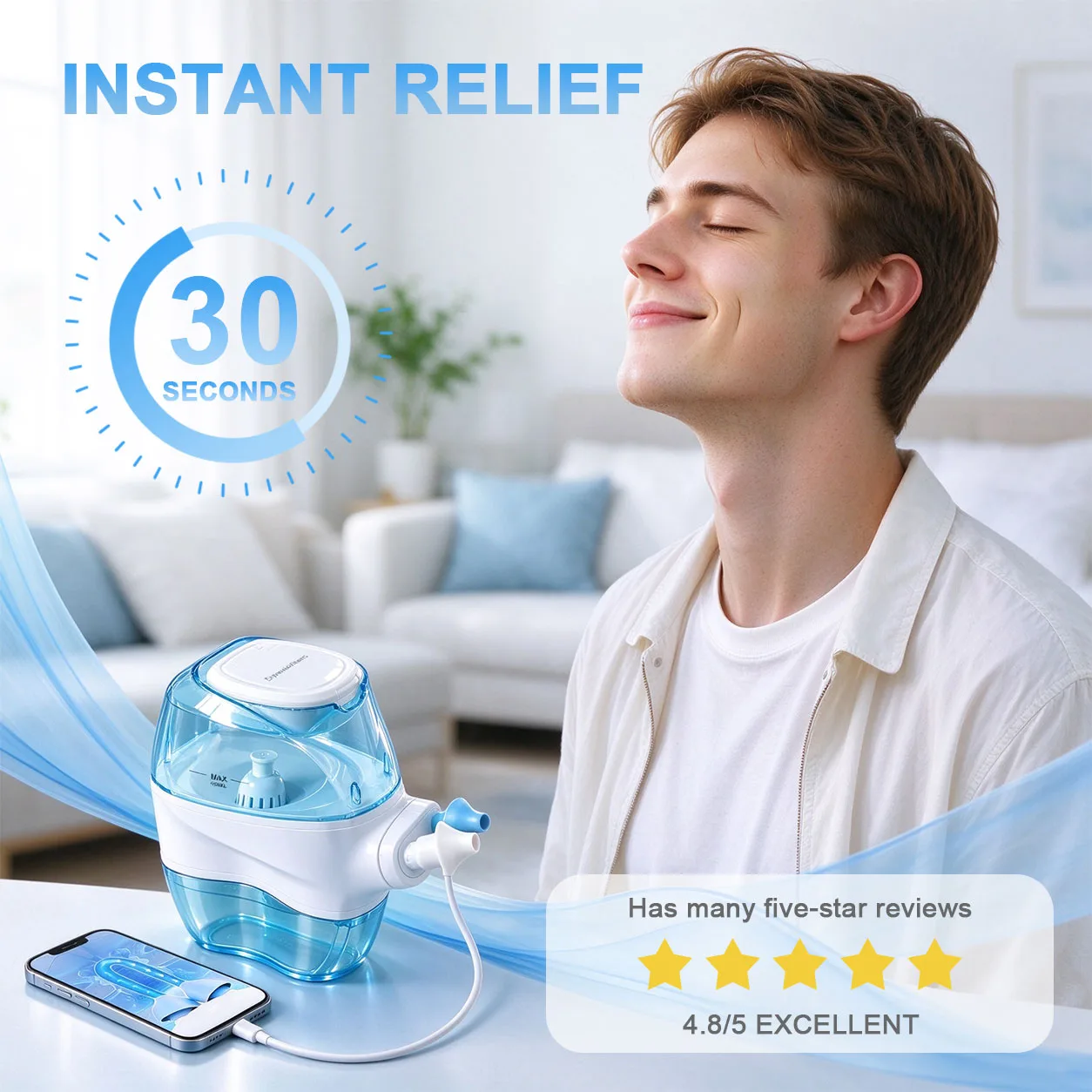
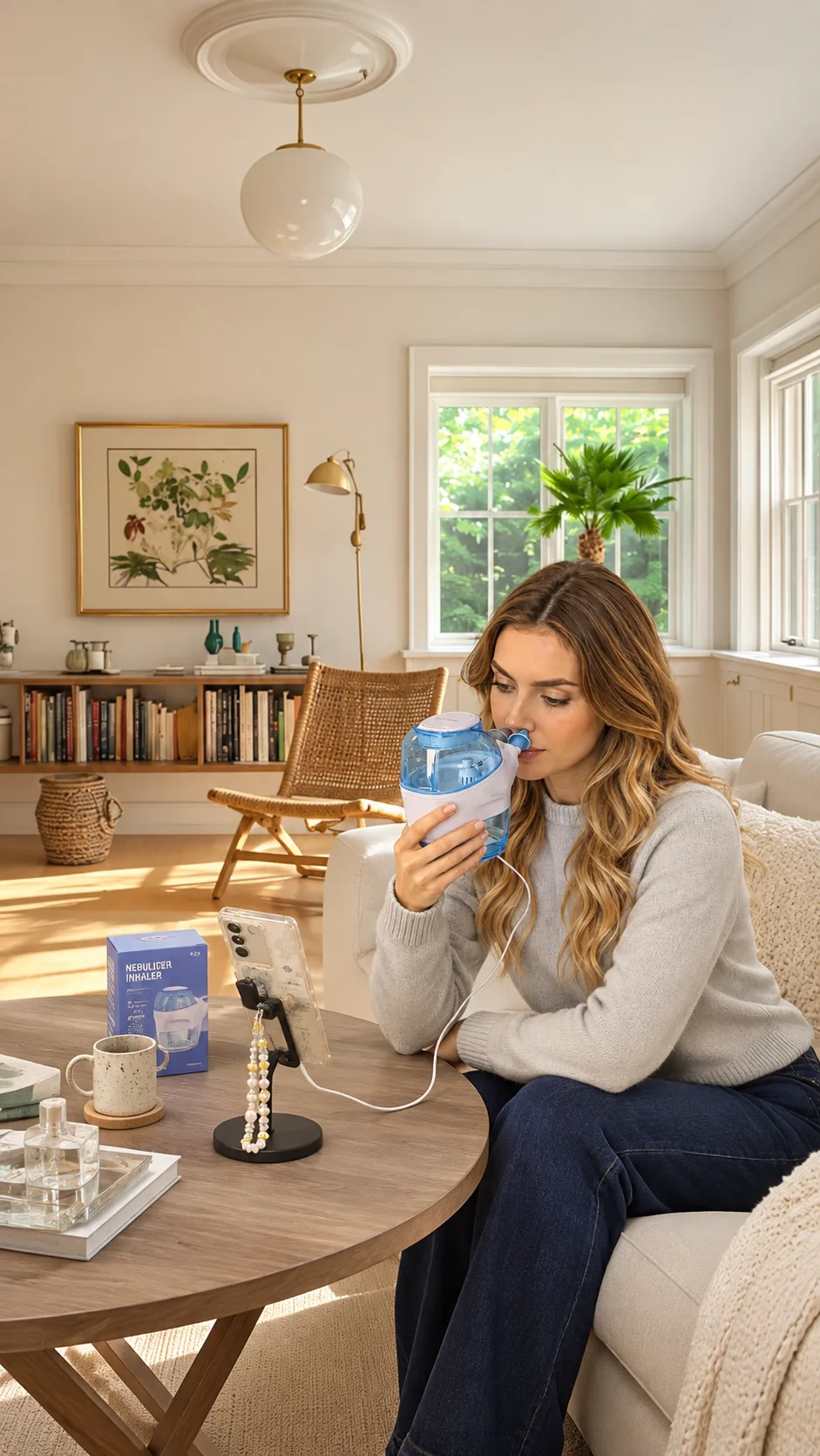
DynamicPeers combines electric nasal irrigation with a smartphone-connected camera, allowing users to observe their nasal passages during their personal care routine.
How Does a Nasal Irrigator with a Camera Work?
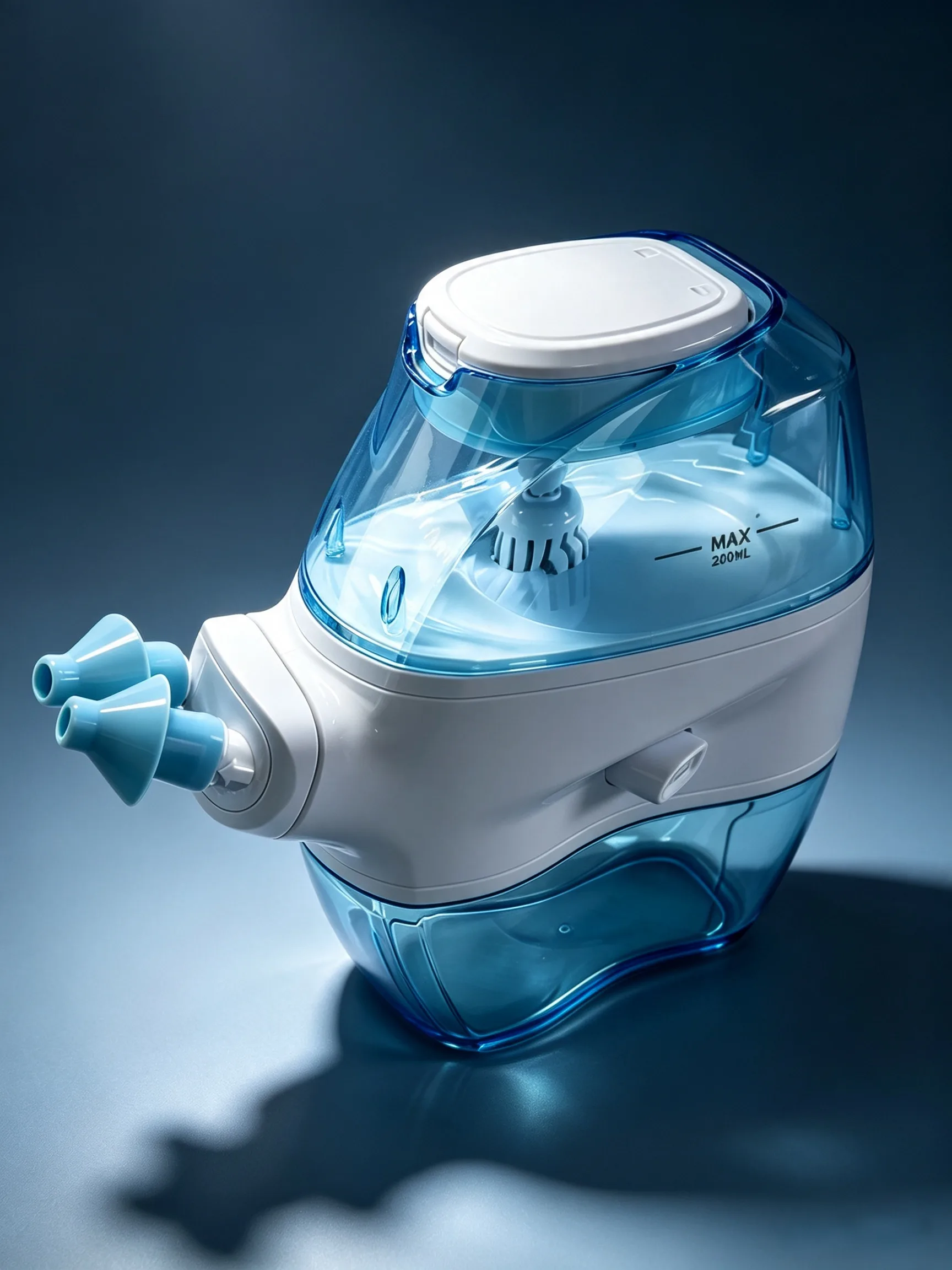
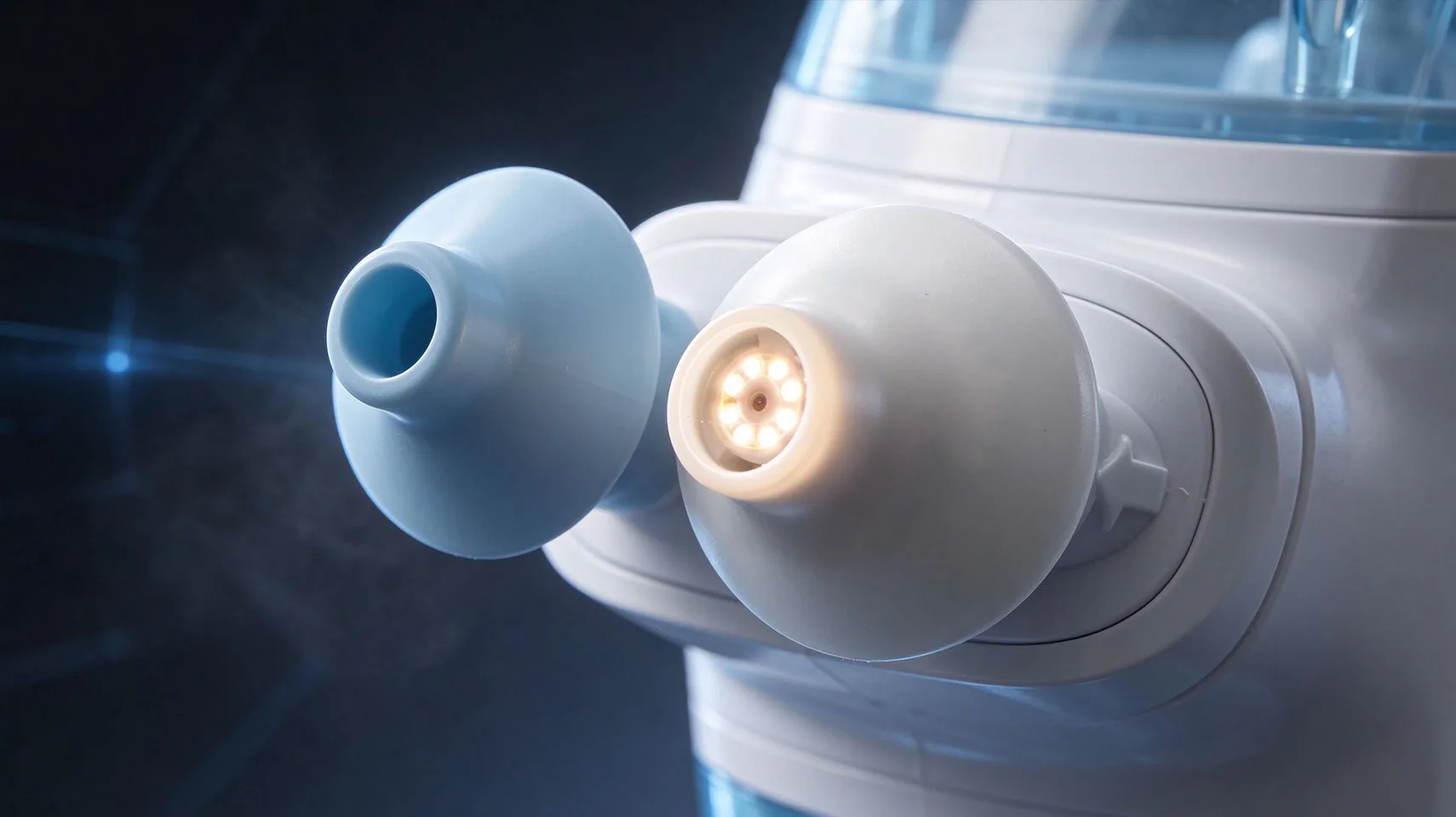
DynamicPeers features a camera-equipped nasal pillow that connects to a compatible smartphone through a USB-C cable.
The Useeplus app displays live images captured by the camera, eliminating the need for a separate display screen when using a compatible phone.
What Are the Benefits of Visual Nasal Observation?
Live Viewing
Unlike conventional nasal rinse devices, the camera displays images within its field of view directly on your smartphone, making the observation process more visual.
Photo Capture
The app allows users to capture and save images for personal nasal care records.
Combined Irrigation and Observation
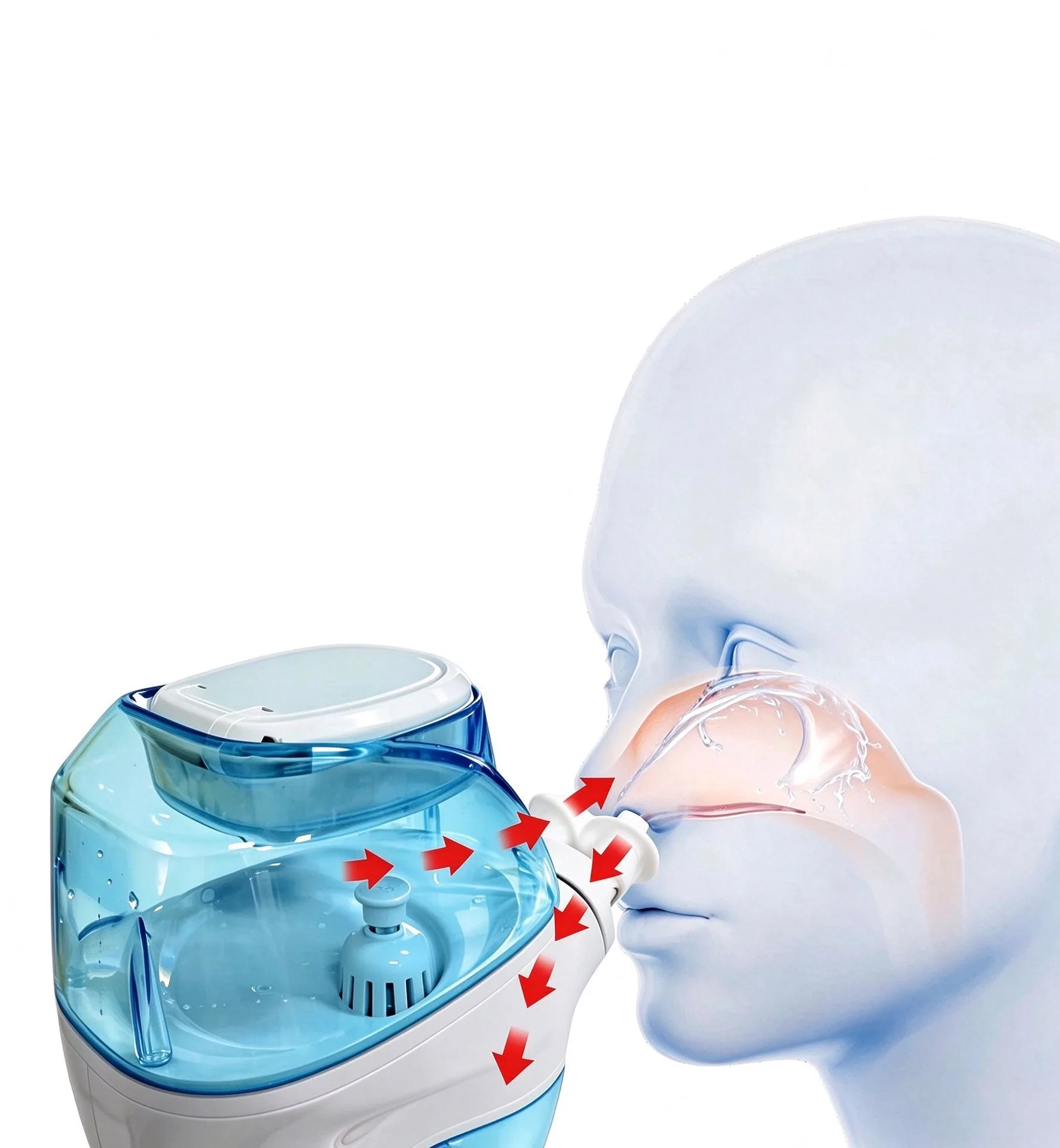
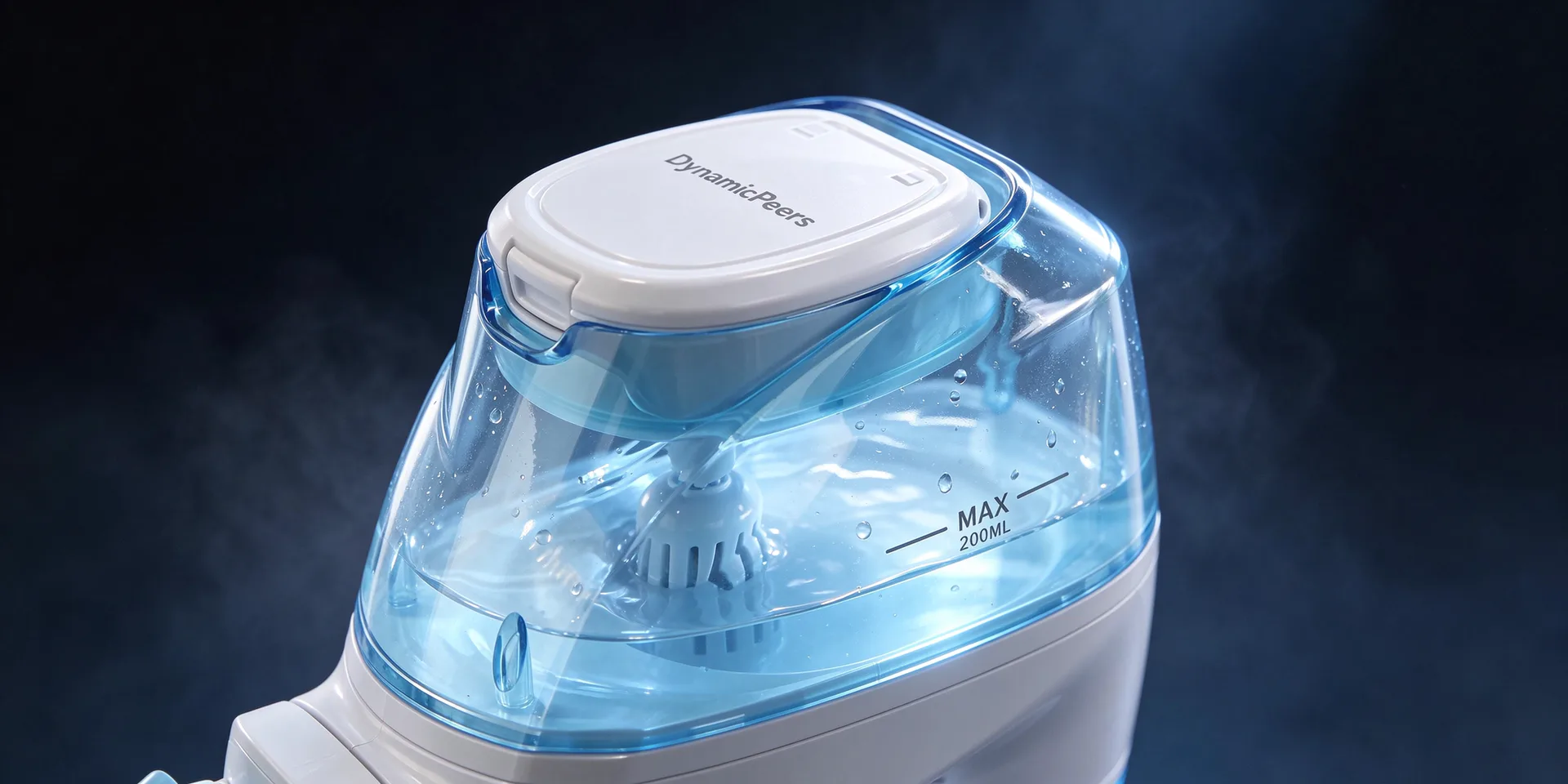
DynamicPeers combines its camera feature with powered saline irrigation and separate wastewater collection, bringing nasal cleaning and visual observation together in one device.
How to Connect the Camera to Your Smartphone
-
Search for and install the Useeplus app.
-
Attach the camera-equipped nasal pillow to the nasal dock.
-
Connect the USB-C cable to a compatible smartphone.
-
Open the app and grant the required permissions.
-
View the live image or capture photos when needed.
Check smartphone and app compatibility before purchasing. A USB-C port alone does not guarantee compatibility with every external camera device.
What If the Camera Does Not Display an Image?
If no image appears after connecting the camera, try the following:
-
Disconnect and reconnect the USB-C cable.
-
Make sure the connection is secure.
-
Check the required app permissions.
-
Confirm smartphone compatibility with the external camera.
Contact DynamicPeers customer support if the issue continues.
Can a Nasal Camera Replace a Medical Examination?
No.
The camera is intended for visual observation and image capture only. It is not designed to diagnose rhinitis, sinusitis, nasal polyps, or other medical conditions.
Do not rely solely on camera images to assess your health, and never force the camera deeper into your nasal passages to obtain a clearer image.
Discover a More Visual Nasal Care Experience
DynamicPeers combines powered irrigation, separate wastewater collection, and smartphone-connected observation in one device.
It offers an additional level of visibility for consumers interested in a more informed personal care routine.
See Clear. Clean Smart.
Discover the DynamicPeers Electric Nasal Irrigator with Camera and explore a more visual approach to everyday nasal hygiene.